
Technology Lending
Laptop, Hotspot, and Calculator Availability
Looking for something else? See the entire Technology Lending Collection.
Updated 3/26/2026 at 2:53
| Title | Location | Available | Request |
|---|---|---|---|
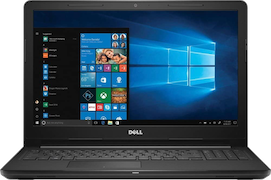
| Laptop - Dell Windows | Bend | 27 | Submit a Request |
| Laptop (Redmond) - Dell Windows | Redmond | 12 | Submit a Request |
| Laptop (Madras) - Dell Windows | Madras | 5 | Submit a Request |
| Laptop (Prineville) - Dell Windows | Prineville | 10 | Submit a Request |
| Chromebook | Bend | 10 | Submit a Request |
| MacBook | Bend | 0 | Submit a Request |
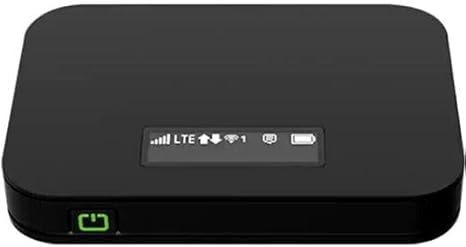
| Hotspot | Bend | 10 | Submit a Request |
| Hotspot (Redmond) | Redmond | 12 | Submit a Request |
| Hotspot (Madras) | Madras | 2 | Submit a Request |
| Hotspot (Prineville) | Prineville | 16 | Submit a Request |
| Laptop - ABS - Dell Windows | Madras | 1 | Submit a Request |
| Laptop - ABS - Dell Windows | Redmond | 12 | Submit a Request |
| Laptop - ABS - Dell Windows | Bend | 1 | Submit a Request |
| Laptop - ABS - Dell Windows | Prineville | 2 | Submit a Request |
| Laptop - ABS (Madras) - Dell Windows | Madras | 3 | Submit a Request |
| Hotspot - ABS (Madras) | Madras | 3 | Submit a Request |
| Scientific Calculator | Bend | 3 | Submit a Request |
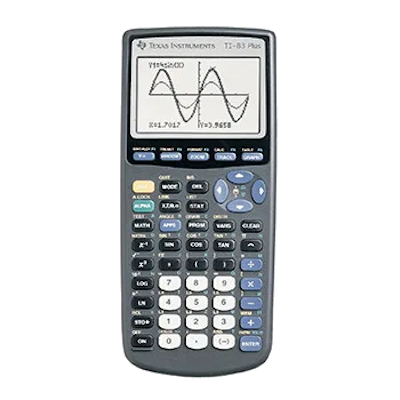
| TI-84 Plus CE Graphing Calculator | Bend | 10 | Submit a Request |
| TI-84 Plus CE Graphing Calculator | Madras | 1 | Submit a Request |
| TI-84 Plus CE Graphing Calculator | Prineville | 1 | Submit a Request |
| TI-84 Plus CE Graphing Calculator | Redmond | 0 | Submit a Request |
| TI-84 Plus Graphing Calculator | Bend | 3 | Submit a Request |
Technology Lending Collection
Don't see what you need listed above? Check out our entire technology lending collection in the Library catalog.
We have...
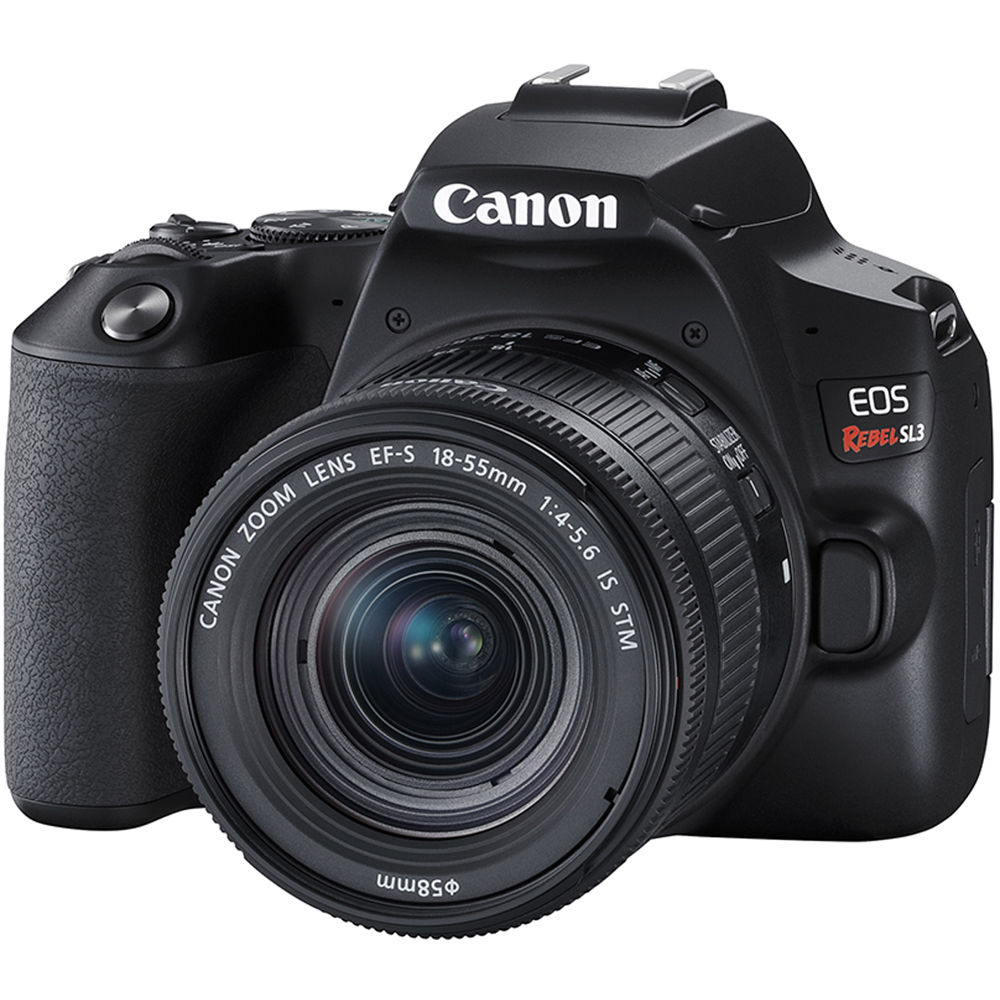
- Cameras, both video and DSLR, and accessories (e.g., tripods)
- Portable monitors
- Microphones and headphones
- A variety of chargers
- A CAC smart card reader
- And more!
FAQs
- Is there a cost?
- No, it's free (as long as you return the item when it's due and in the condition you got it).
- Read our technology lending agreement form to learn about your responsibilities as a borrower.
- Who can borrow technology?
- Laptops and hotspots are for students only.
- eLearning's Faculty Technology Lending collection is for faculty only.
- ABS laptops and hotspots are for Adult Basic Skills, GED and English Language Learner (ELL) students only.
- Where can I get technology?
- Technology lending is available at all COCC campuses.
- Plus, items in Bend can be delivered to any COCC campus for pickup.
- When can I place a request?
- Students enrolled in COCC credit classes with an active library account may place requests beginning the Monday before the start of a new term or at any time after the term begins (pending availability).
- Technology cannot be requested for a future term while the current term is still in session.
- If you are not sure if your library account is active or have questions about placing a request, please contact us at 541-383-7560.
- How long can I keep it?
- Loan times vary by item. Hotspots and laptops loan for the whole term, with other items loaning from 3 hours to 1 week to 30 days.
- You'll get a receipt in your email when you borrow an item, and you can always check your library account for the due date.
- Laptops and hotspots cannot be renewed, but some other items can. You can renew items through your library account.
- What should I do with my saved work and personal data before I return the item?
- It's ultimately your responsibility to protect your personal information.
- Log out of all accounts and clear any saved passwords, addresses, or financial information.
- Transfer or delete any work saved directly to the device.
- When you return a laptop, it is "reimaged," meaning it's reset to a factory state and all information is wiped before we lend it to the next person.
- For other devices (like cameras), we'll attempt to clear any work saved on the device or memory card before lending it to someone else, but we don't guarantee this will happen. If you're concerned about it, make sure you delete any saved work, pictures or other data before you return the item.